
Skyward
How to sign up for the Skyward Mobile app
In order to access your student Skyward account via the Skyward app please take the following steps:
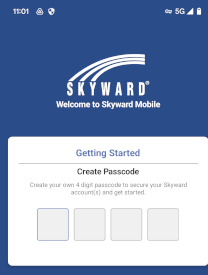
1) Open the app and enter or create your 4 digit passcode
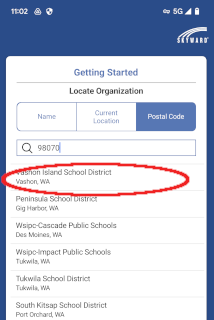
2) If you are prompted to "locate organization" choose "Postal code" and enter 98070, then choose Vashon Island School District from the drop down menu
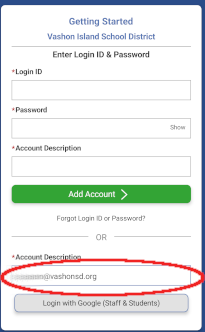
3) You will see a screen that says "Getting Started"
4) go to the bottom of the page under the line that says
-------------- OR -------------
5) Enter your school email address in the "account description field" and select "login with Google (staff and students)"
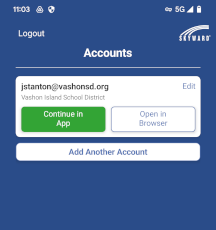
6) Select "Continue in App"
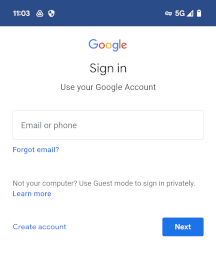
7) You will be prompted to log into Google with your school google address and password
You can download the app for Apple and Android devices